Remote Pair Programming
Share your IDE and collaborate in real time
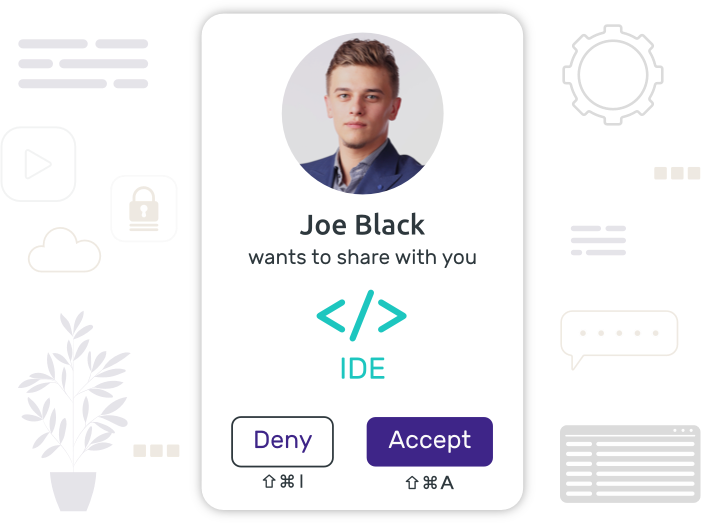
Keep using your favorite IDE and pair remotely on your screen. You can swap who shares at any time and iterate effectively, particularly useful when doing TDD (and ping pong pair programming).
You're not limited to IDE sharing: share your web app, Stack Overflow, API docs... In fact, you can share whatever is on your screen.
You're all in control
Every participant gets their own mouse cursor on your screen and can interact with your apps. Driver/Navigator switch is a breeze, no need to pass the control, you already are all in control.
Don't want your pair partners to click everywhere? Switch them back to spectator for a traditional screen sharing experience.
What is remote pair programming?
Remote pair programming is a software development practice where two developers collaborate on the same code from different locations. One developer acts as the driver — writing the code — while the other acts as the navigator, reviewing and guiding the work in real time.
With a remote pair programming tool like Drovio, both developers share the same screen. Each participant gets their own mouse cursor, so the navigator can point, highlight and interact directly — just as if you were sitting side by side.
Remote pair programming accelerates onboarding, reduces bugs through continuous code review, and spreads knowledge across the team. It works for any programming language and any IDE.
Why use a pair programming tool for your remote team?

Fewer bugs, better code
Two sets of eyes catch more issues. Pair programming leads to higher code quality through continuous peer review — bugs are spotted before they make it to production.
Faster onboarding
Get new developers up to speed quickly. Pairing on real tasks is the fastest way to transfer knowledge of the codebase, conventions, and architecture decisions.
Collaborative coding interviews
Run remote pair programming interviews seamlessly. Candidates and interviewers share the same environment — no setup, no plugins, just code together.
Frequently asked questions
What is the best remote pair programming tool?
The best remote pair programming tool depends on your workflow. Drovio stands out because it works with any IDE and any app — not just specific editors. Each participant gets their own mouse cursor for true collaborative control, with built-in voice and video chat, and a web client that requires no installation for guests.
Does Drovio work with VS Code, IntelliJ and other IDEs?
Yes. Drovio works at the screen level, not the editor level — so it's compatible with any IDE: VS Code, IntelliJ, WebStorm, PyCharm, Vim, Emacs, Xcode, and more. No plugin or extension needed.
How many people can join a pair programming session?
Up to 10 participants can join a Drovio session simultaneously, each with their own mouse cursor. This makes it great not just for pair programming but also for mob programming and technical workshops.
Is Drovio free to use for pair programming?
Yes, Drovio offers a free plan to get started. You can download the app and start a pair programming session in seconds without a credit card. Paid plans are available for teams needing advanced features.
What is the difference between pair programming and collaborative programming?
Pair programming specifically refers to two developers working together on the same task with defined driver/navigator roles. Collaborative programming is a broader term that includes any form of real-time code collaboration — including mob programming (3+ developers) and code reviews done together. Drovio supports all of these scenarios.

Get straight into action
People can join you on your screen either from the app or from their web browser without having to download nor subscribe to anything.

Voice chat and video
Communication is essential for teams working remotely. Drovio includes crisp audio with echo cancellation and video conferencing support.

Get in touch
We love hearing from our users. Should you have any feedback, idea or just would like to chat, drop us a few lines at feedback@drovio.com.
Ready to get started?
Create your free account and start collaborating right away with your team on all your apps. Should you have any questions about our offers, be sure to contact us.
Get in touch